Upgrade to Pro — share decks privately, control downloads, hide ads and more …

jQuery: Nuts, Bolts and Bling

jQuery: Nuts, Bolts and Bling

This presentation covers some jQuery basics, as well as some general concepts you should understand about jQuery. You will find other tips and tricks sprinkled throughout before the live coding session starts.

The code from the live coding session is available on Github and covers far more advanced topics than the slide portion of this presentation.

Avatar for Doug Neiner

Doug Neiner

August 02, 2011
Tweet

More Decks by Doug Neiner

Other Decks in Programming

Transcript

  1. I

  2. A N D Audience This presentation was crafted specifically for

    delivery at the Front End Design Conference in St. Petersburg, FL. The audience consisted of designers who have never used jQuery through developers who use jQuery regularly. The slide portion of this presentation has a lot of getting started information, as well as some tricks you may or may not know. The live coding portion (available on Github) contains some more advanced techniques. If you have any questions after watching this presentation and looking at the code, please let me know: [email protected] (Be sure to reference this presentation when emailing!)
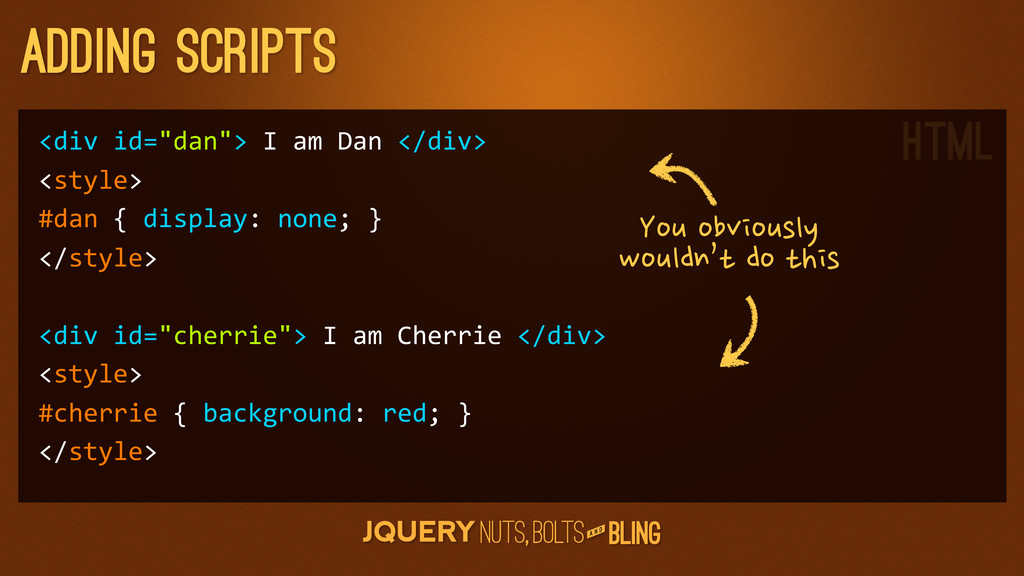
  3. A N D adding scripts <div id="dan"> I am Dan

    </div> <style> #dan { display: none; } </style> <div id="cherrie"> I am Cherrie </div> <style> #cherrie { background: red; } </style> You
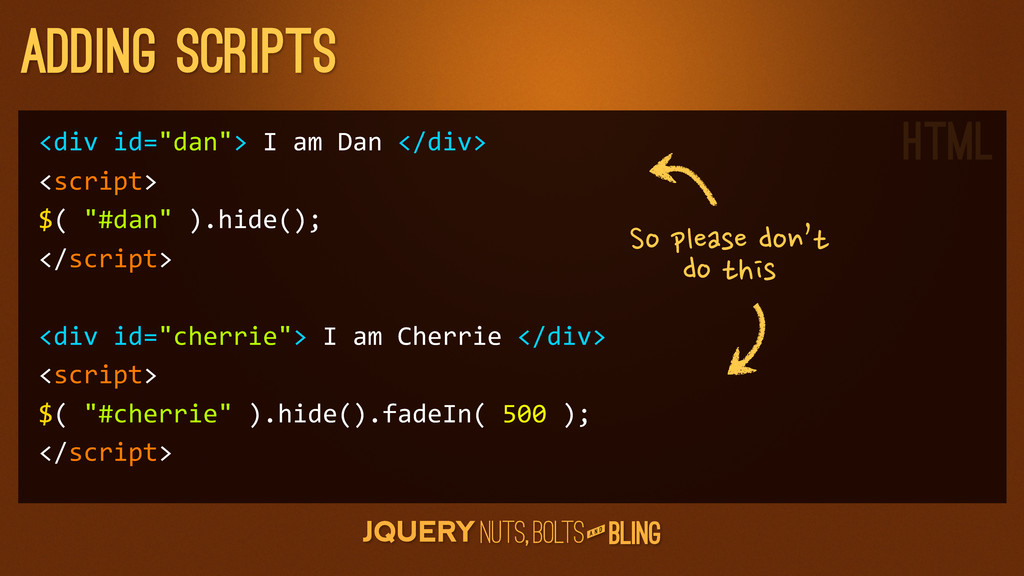
  4. A N D adding scripts <div id="dan"> I am Dan

    </div> <script> $( "#dan" ).hide(); </script> <div id="cherrie"> I am Cherrie </div> <script> $( "#cherrie" ).hide().fadeIn( 500 ); </script> So
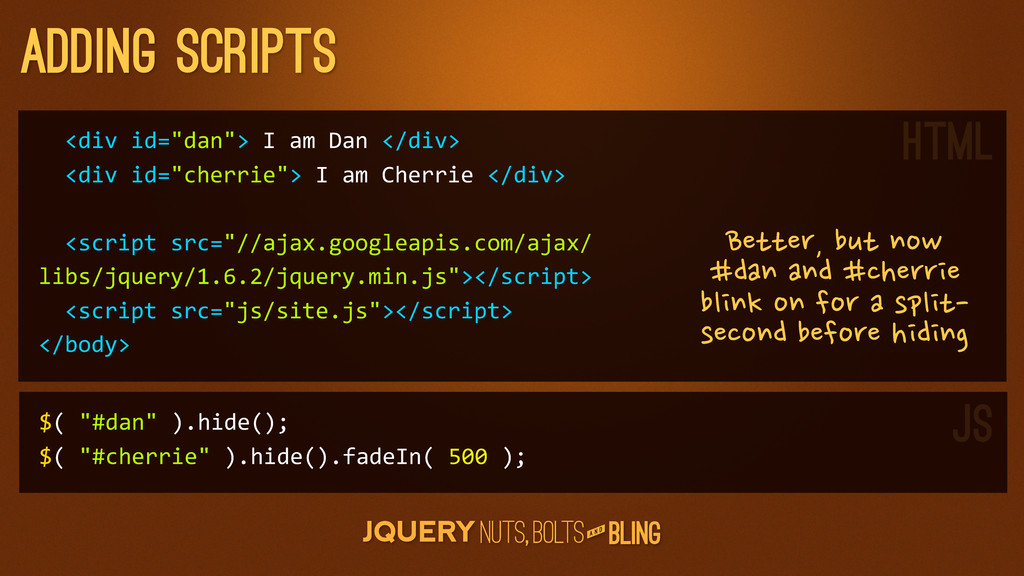
  5. A N D adding scripts <div id="dan"> I am

    Dan </div> <div id="cherrie"> I am Cherrie </div> <script src="//ajax.googleapis.com/ajax/ libs/jquery/1.6.2/jquery.min.js"></script> <script src="js/site.js"></script> </body> $( "#dan" ).hide(); $( "#cherrie" ).hide().fadeIn( 500 ); Better,
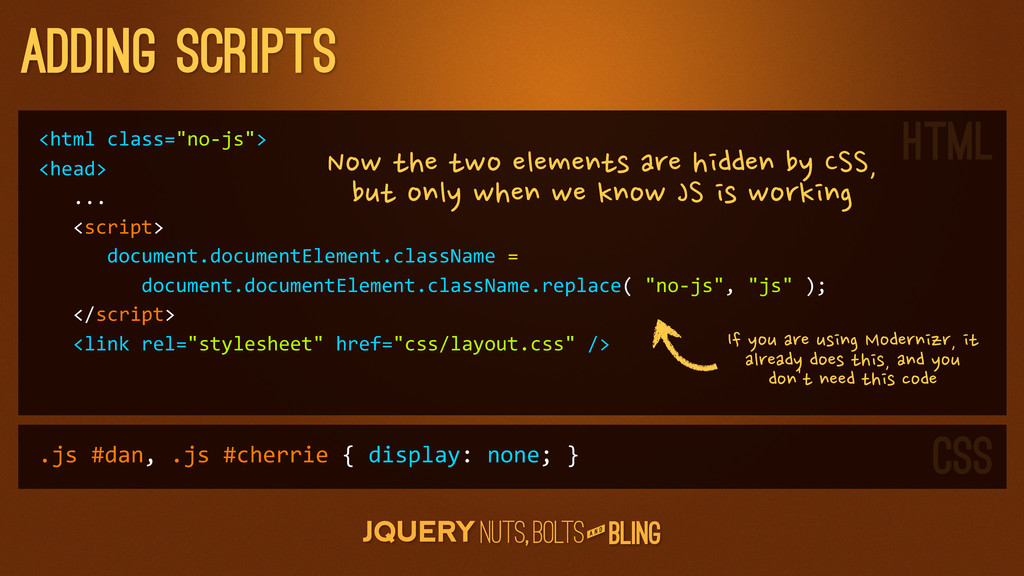
  6. A N D adding scripts <html class="no-­‐js"> <head>

    ... <script> document.documentElement.className = document.documentElement.className.replace( "no-­‐js", "js" ); </script> <link rel="stylesheet" href="css/layout.css" /> Now
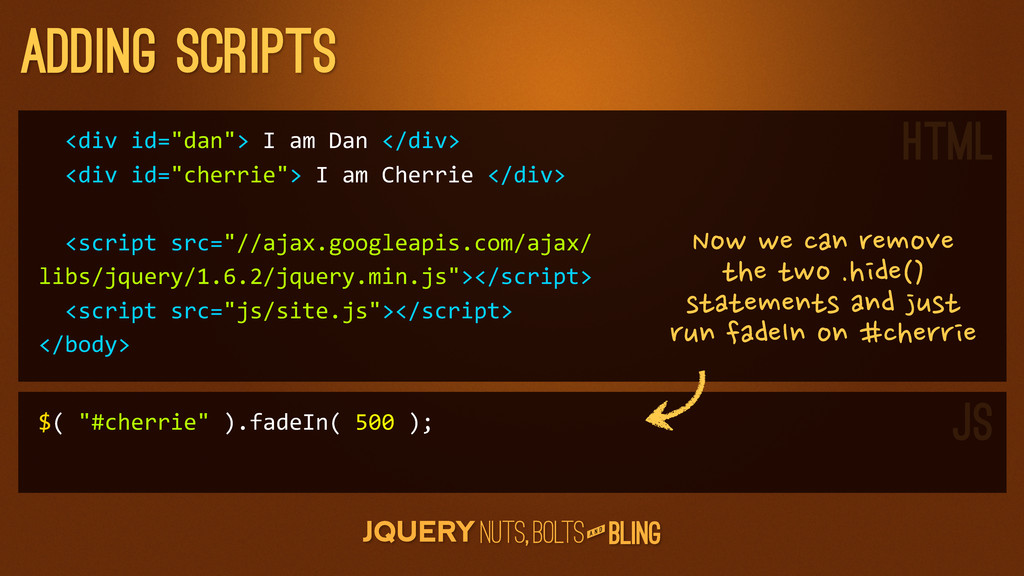
  7. A N D adding scripts <div id="dan"> I am

    Dan </div> <div id="cherrie"> I am Cherrie </div> <script src="//ajax.googleapis.com/ajax/ libs/jquery/1.6.2/jquery.min.js"></script> <script src="js/site.js"></script> </body> $( "#cherrie" ).fadeIn( 500 ); Now
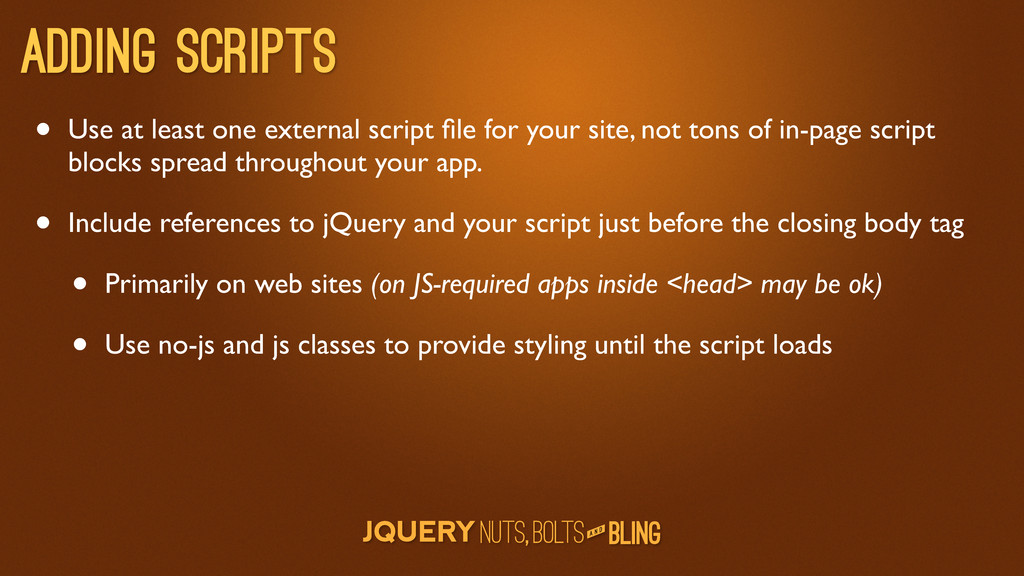
  8. A N D Adding scripts • Use at least one

    external script file for your site, not tons of in-page script blocks spread throughout your app. • Include references to jQuery and your script just before the closing body tag • Primarily on web sites (on JS-required apps inside <head> may be ok) • Use no-js and js classes to provide styling until the script loads
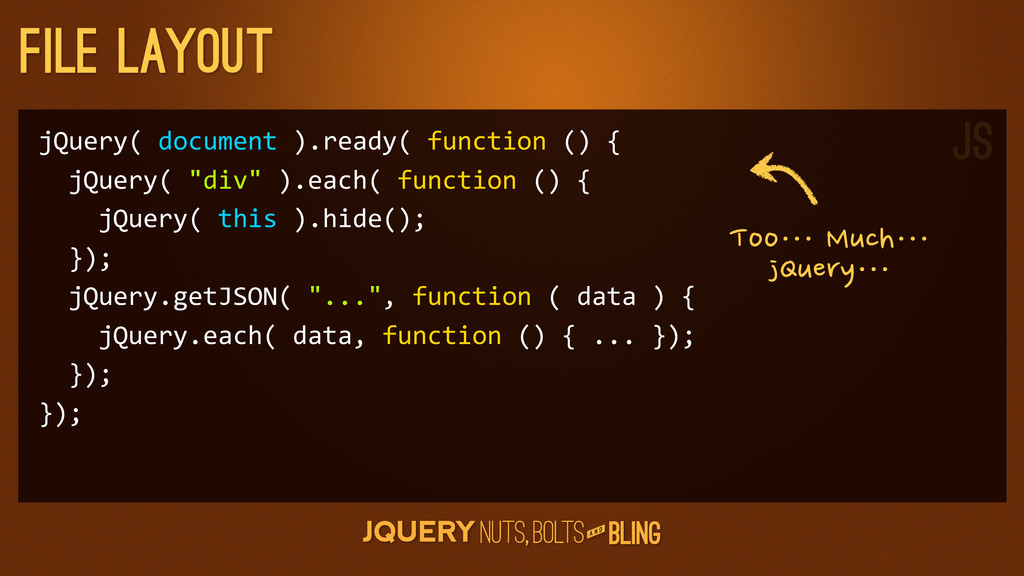
  9. A N D File layout jQuery( document ).ready( function ()

    { jQuery( "div" ).each( function () { jQuery( this ).hide(); }); jQuery.getJSON( "...", function ( data ) { jQuery.each( data, function () { ... }); }); }); Too…⋯
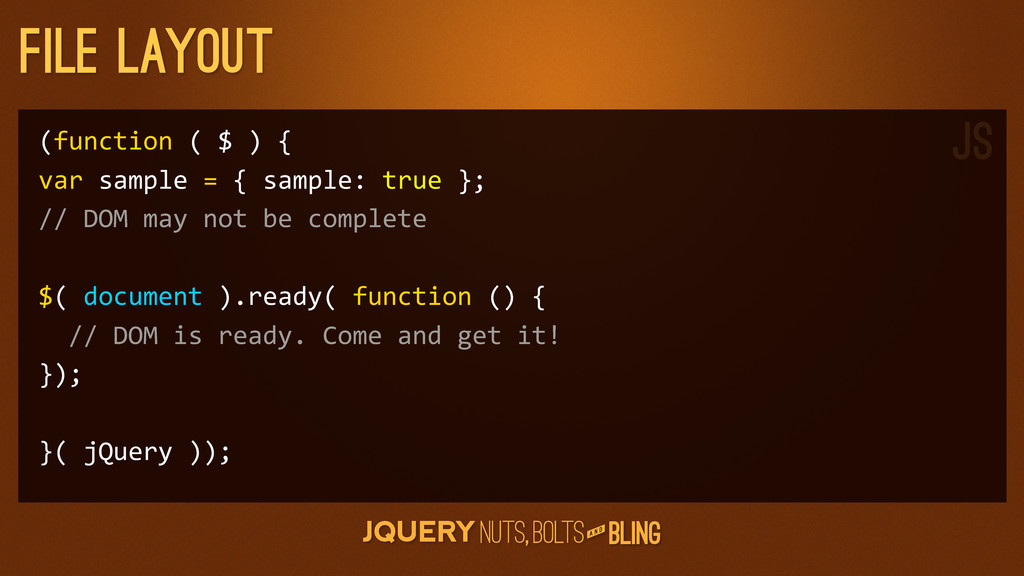
  10. A N D File layout (function ( $ ) {

    var sample = { sample: true }; // DOM may not be complete $( document ).ready( function () { // DOM is ready. Come and get it! }); }( jQuery )); JS
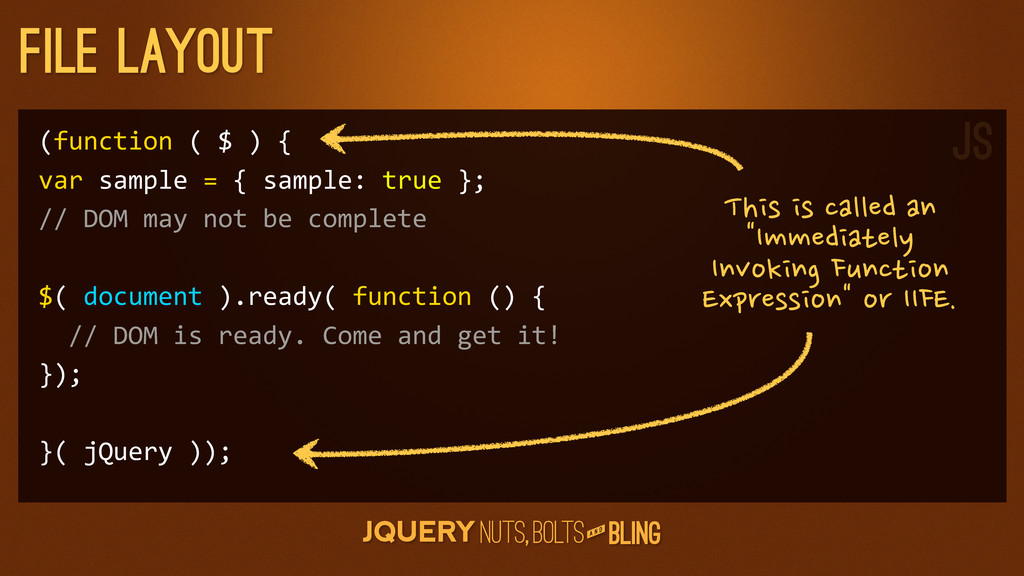
  11. A N D File layout (function ( $ ) {

    var sample = { sample: true }; // DOM may not be complete $( document ).ready( function () { // DOM is ready. Come and get it! }); }( jQuery )); This
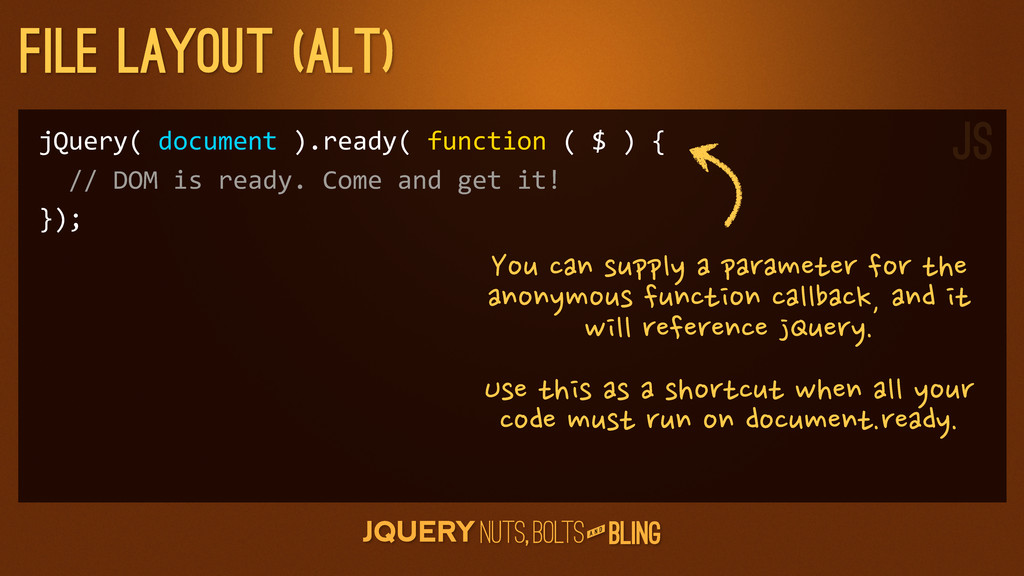
  12. A N D File layout (Alt) jQuery( document ).ready( function

    ( $ ) { // DOM is ready. Come and get it! }); You
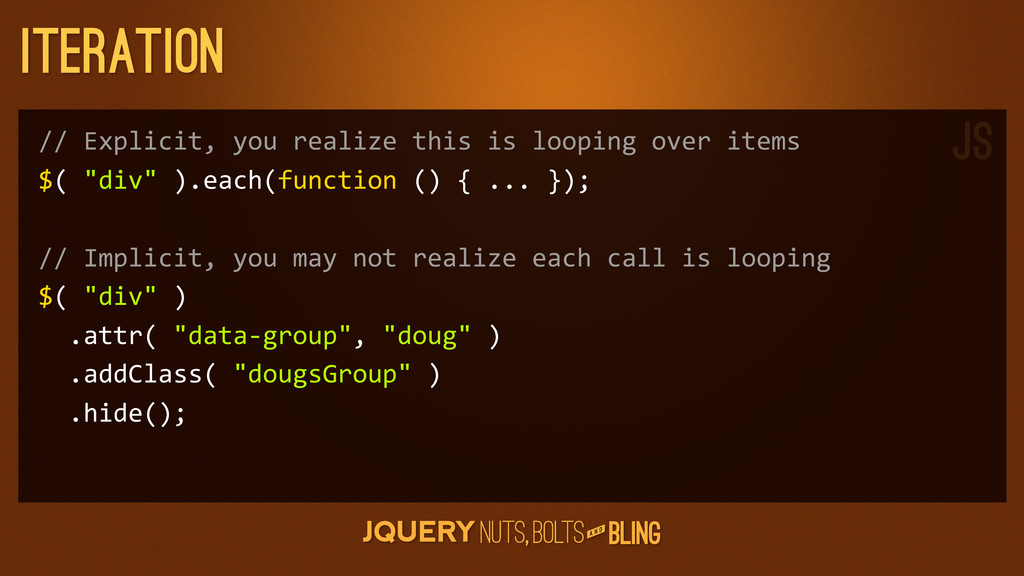
  13. A N D Iteration // Explicit, you realize this is

    looping over items $( "div" ).each(function () { ... }); // Implicit, you may not realize each call is looping $( "div" ) .attr( "data-­‐group", "doug" ) .addClass( "dougsGroup" ) .hide(); JS
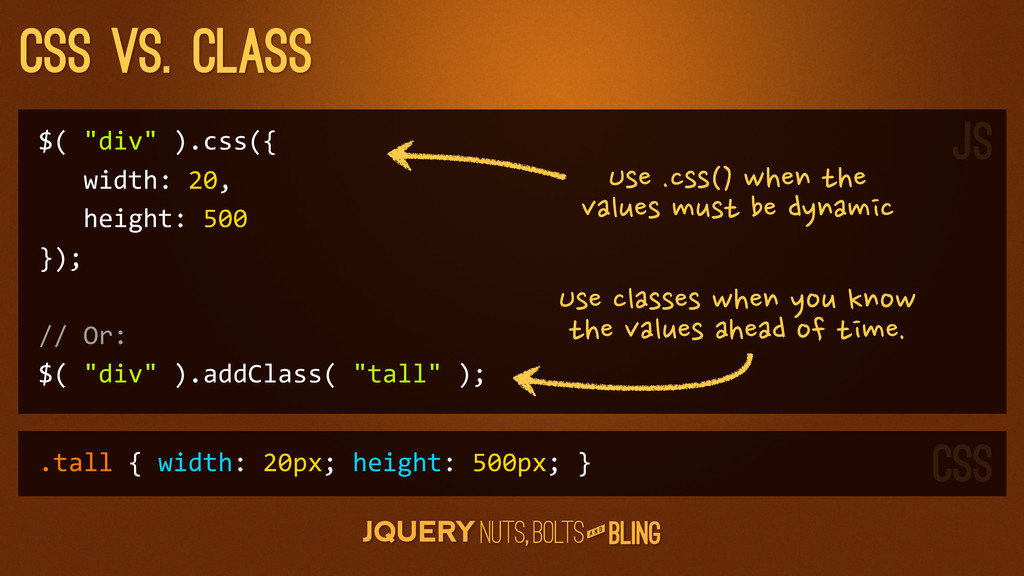
  14. A N D CSS vs. Class $( "div" ).css({

    width: 20, height: 500 }); // Or: $( "div" ).addClass( "tall" ); .tall { width: 20px; height: 500px; } Use
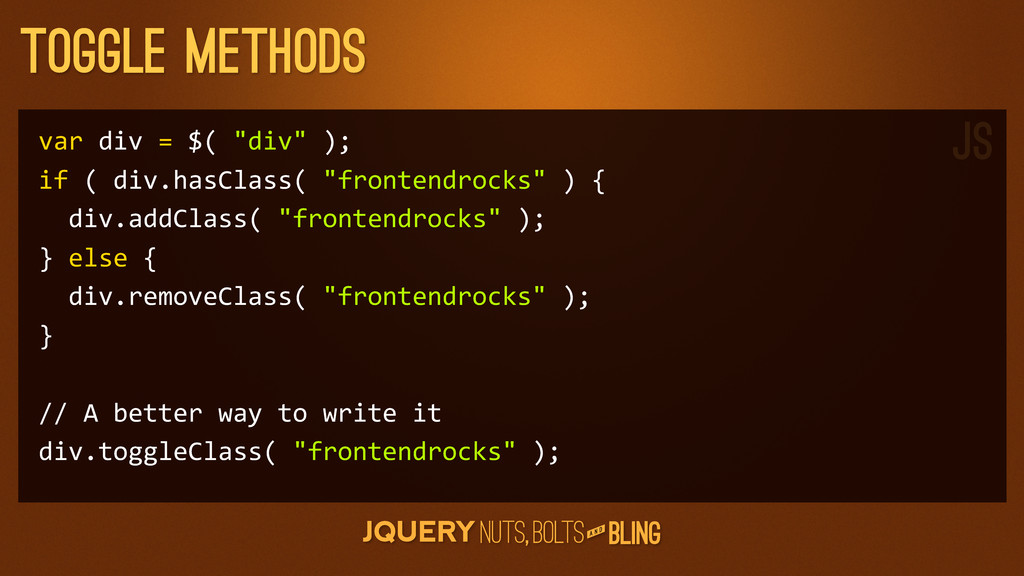
  15. A N D Toggle Methods var div = $( "div"

    ); if ( div.hasClass( "frontendrocks" ) { div.addClass( "frontendrocks" ); } else { div.removeClass( "frontendrocks" ); } // A better way to write it div.toggleClass( "frontendrocks" ); JS
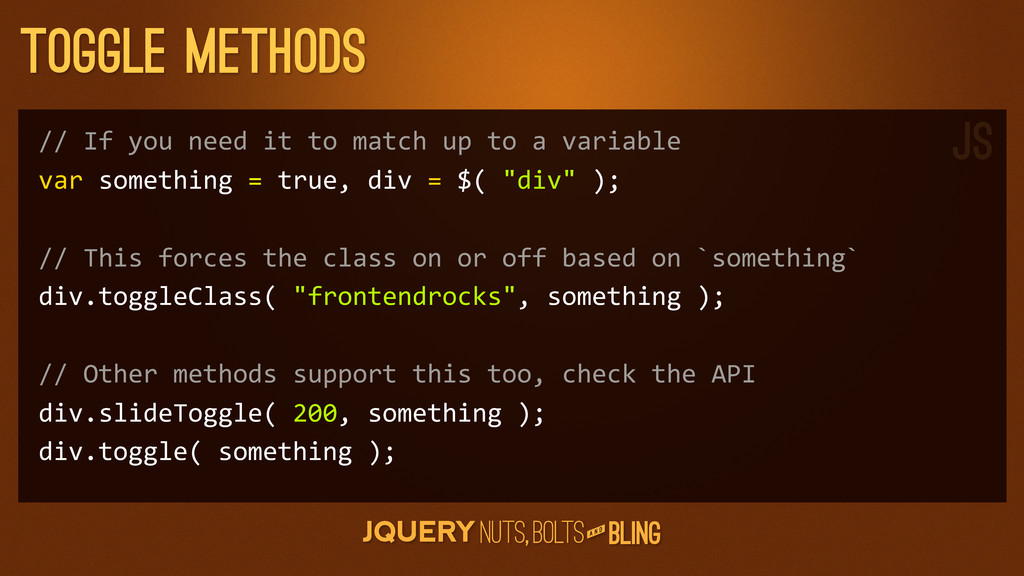
  16. A N D Toggle Methods // If you need it

    to match up to a variable var something = true, div = $( "div" ); // This forces the class on or off based on `something` div.toggleClass( "frontendrocks", something ); // Other methods support this too, check the API div.slideToggle( 200, something ); div.toggle( something ); JS
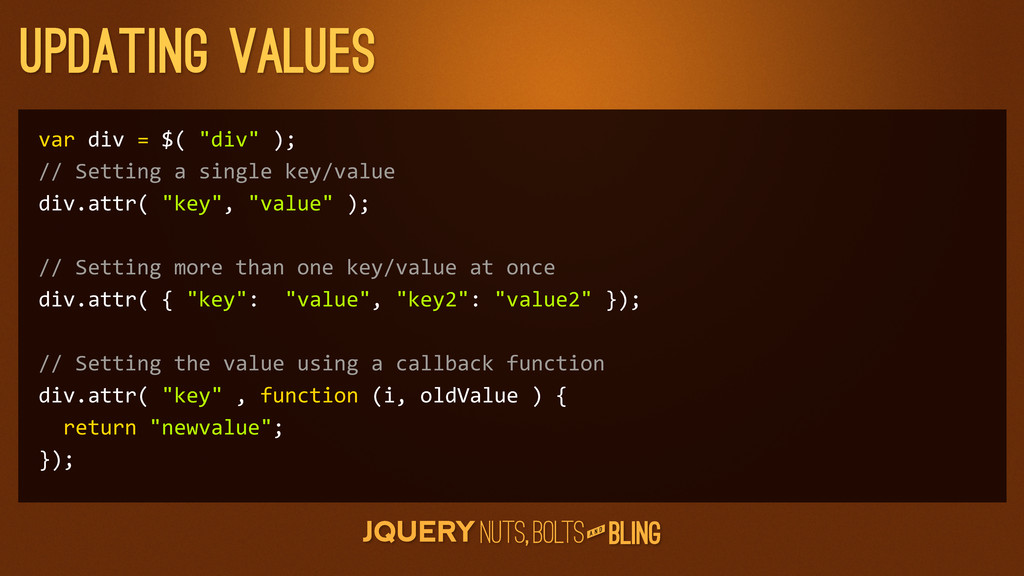
  17. A N D updating values var div = $( "div"

    ); // Setting a single key/value div.attr( "key", "value" ); // Setting more than one key/value at once div.attr( { "key": "value", "key2": "value2" }); // Setting the value using a callback function div.attr( "key" , function (i, oldValue ) { return "newvalue"; });
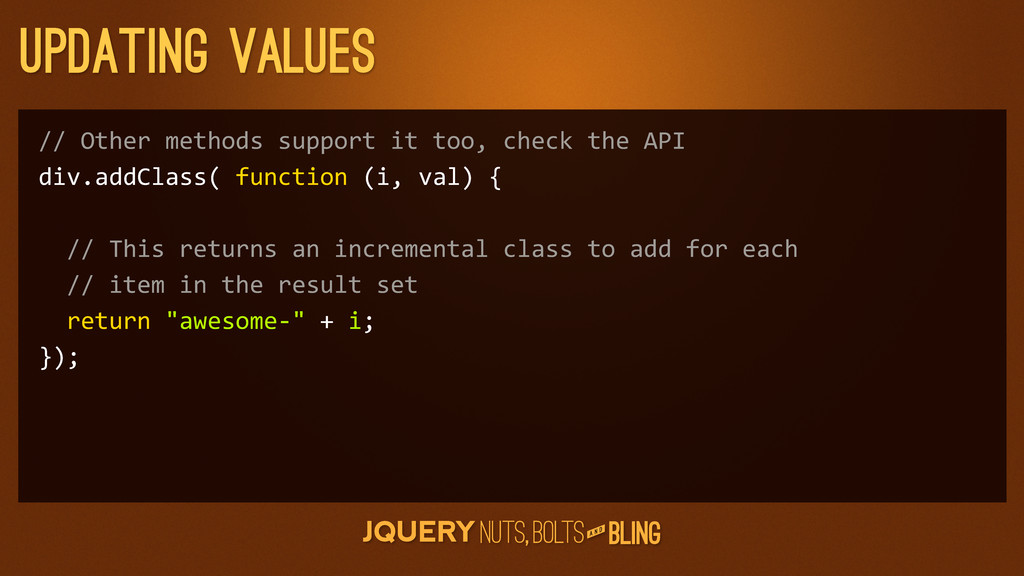
  18. A N D updating values // Other methods support it

    too, check the API div.addClass( function (i, val) { // This returns an incremental class to add for each // item in the result set return "awesome-­‐" + i; });
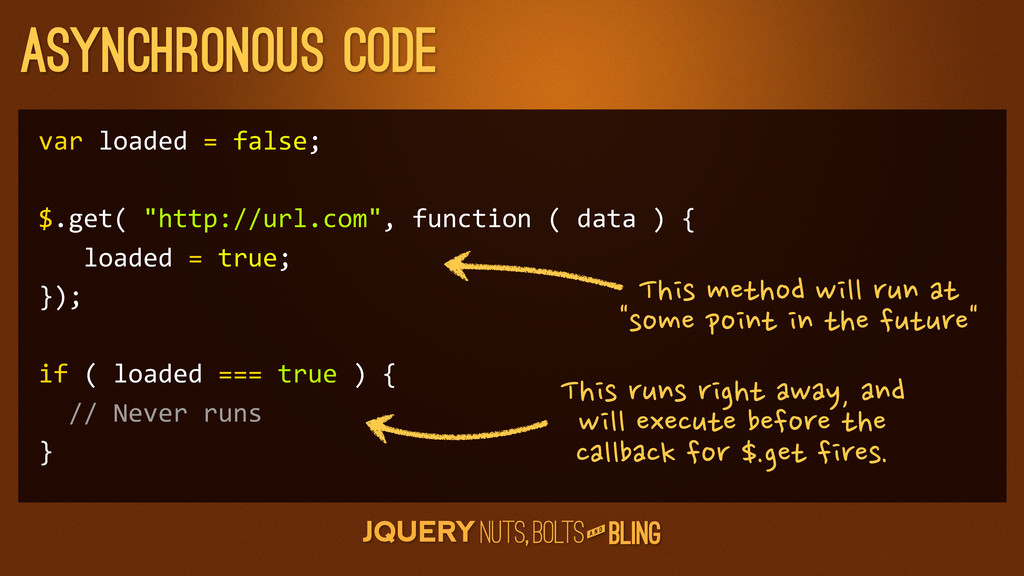
  19. A N D Asynchronous code var loaded = false; $.get(

    "http://url.com", function ( data ) { loaded = true; }); if ( loaded === true ) { // Never runs } This
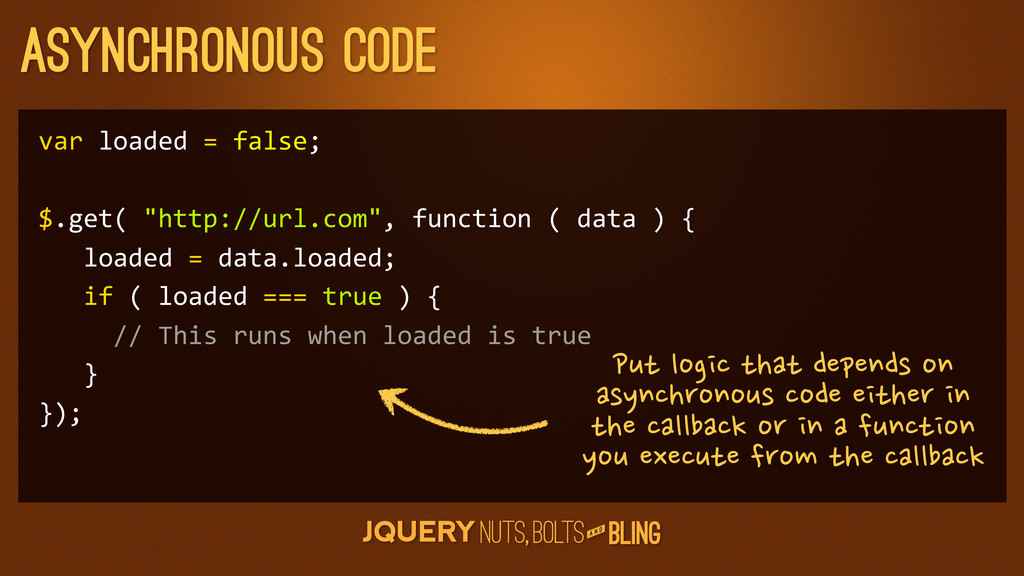
  20. A N D Asynchronous code var loaded = false; $.get(

    "http://url.com", function ( data ) { loaded = data.loaded; if ( loaded === true ) { // This runs when loaded is true } }); Put
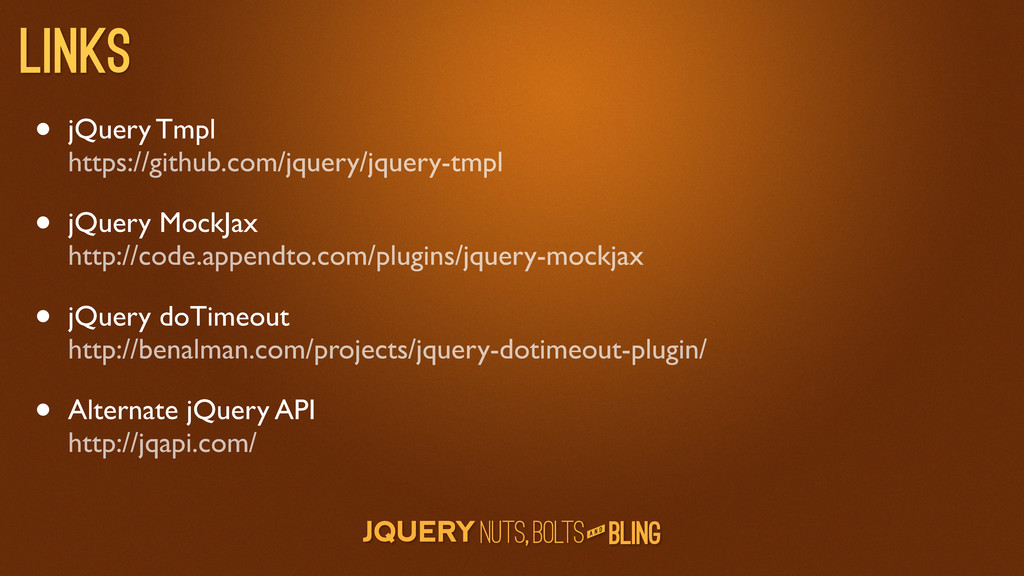
  21. A N D Links • jQuery Tmpl https://github.com/jquery/jquery-tmpl • jQuery

    MockJax http://code.appendto.com/plugins/jquery-mockjax • jQuery doTimeout http://benalman.com/projects/jquery-dotimeout-plugin/ • Alternate jQuery API http://jqapi.com/